Steps to Register for LibreTexts
For help on any of the Academy@LibreTexts Online courses please visit https://support.libretexts.org and submit a support ticket.
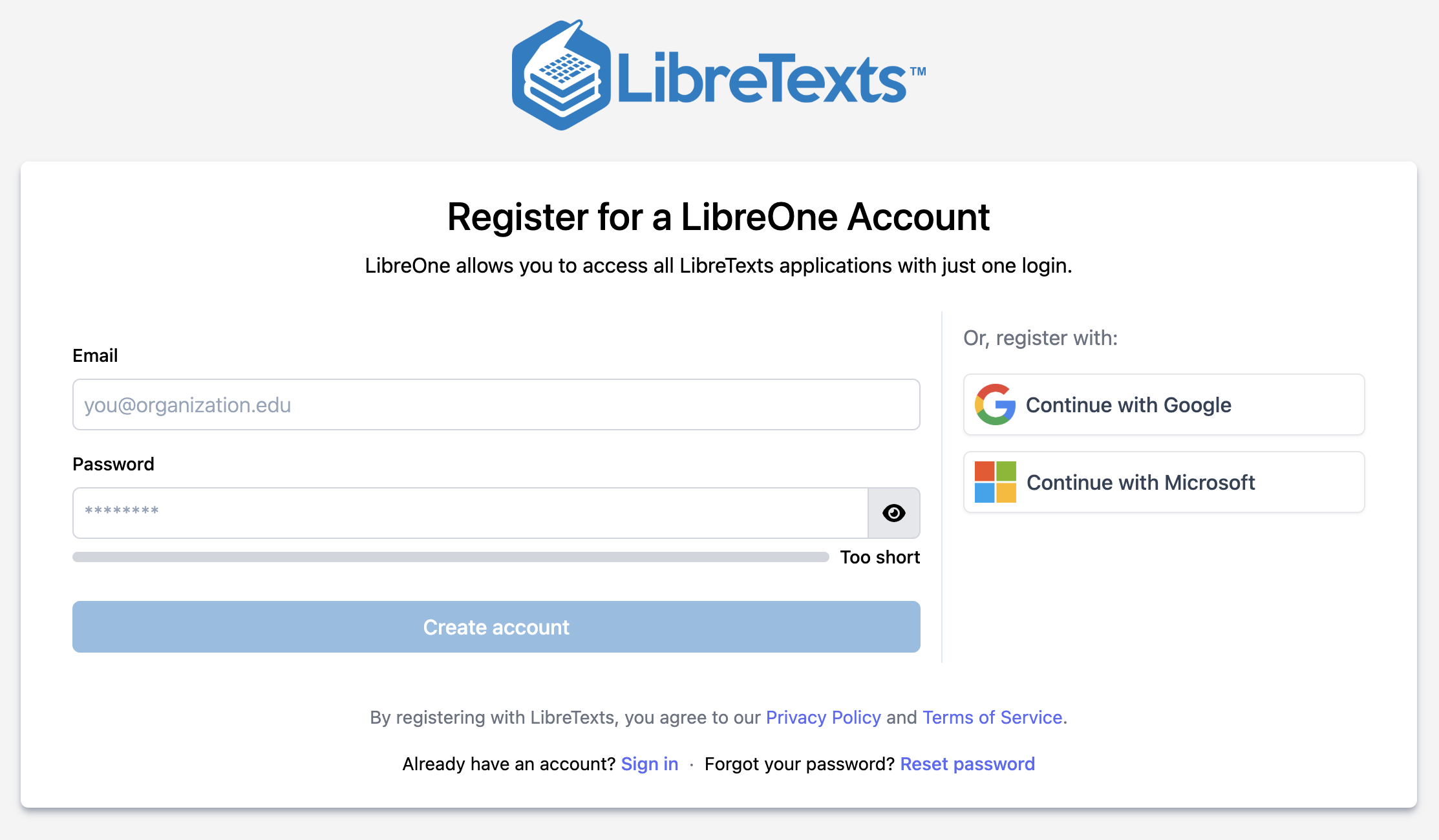
Go to register.libretexts.org to create a new account either with your institution e-mail address and password, or by signing-on through an existing institutional Google or Microsoft account.
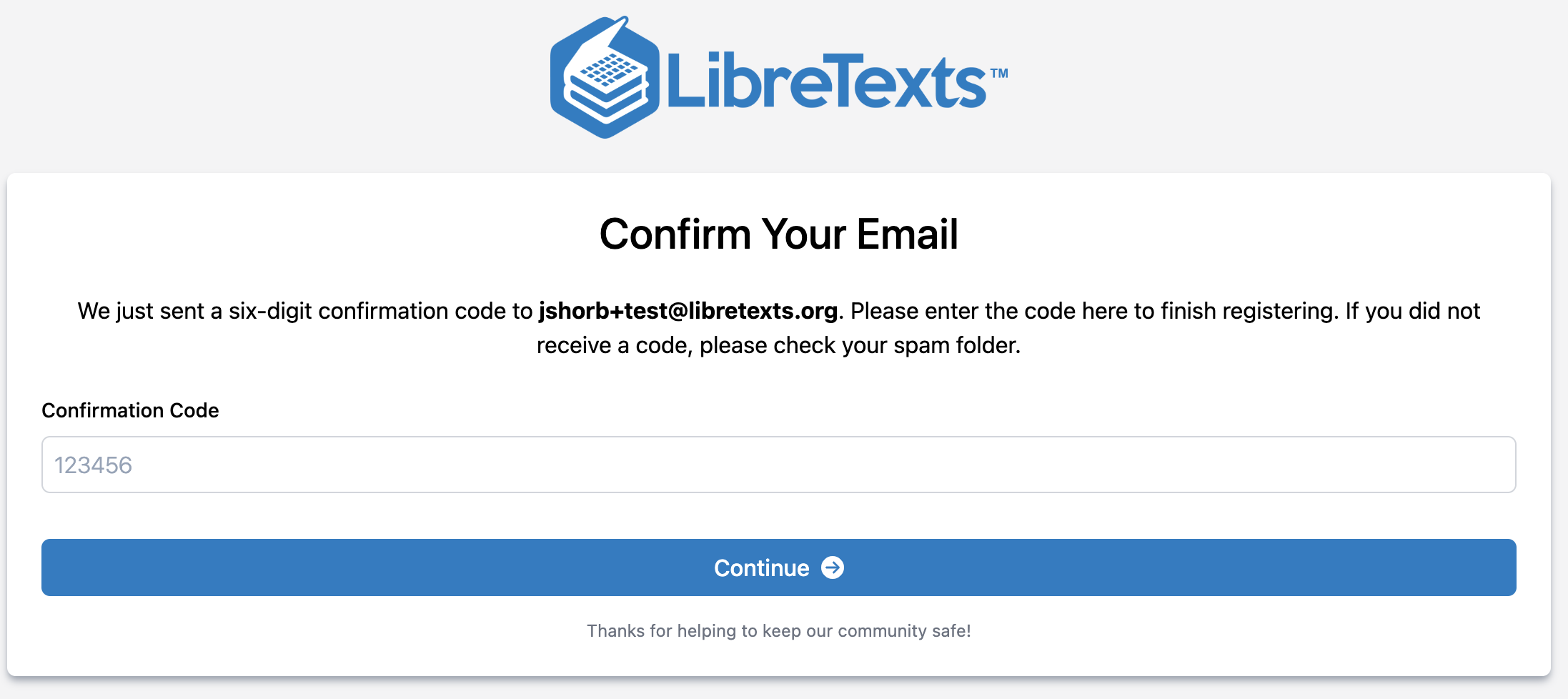
Confirm your e-mail account exists.
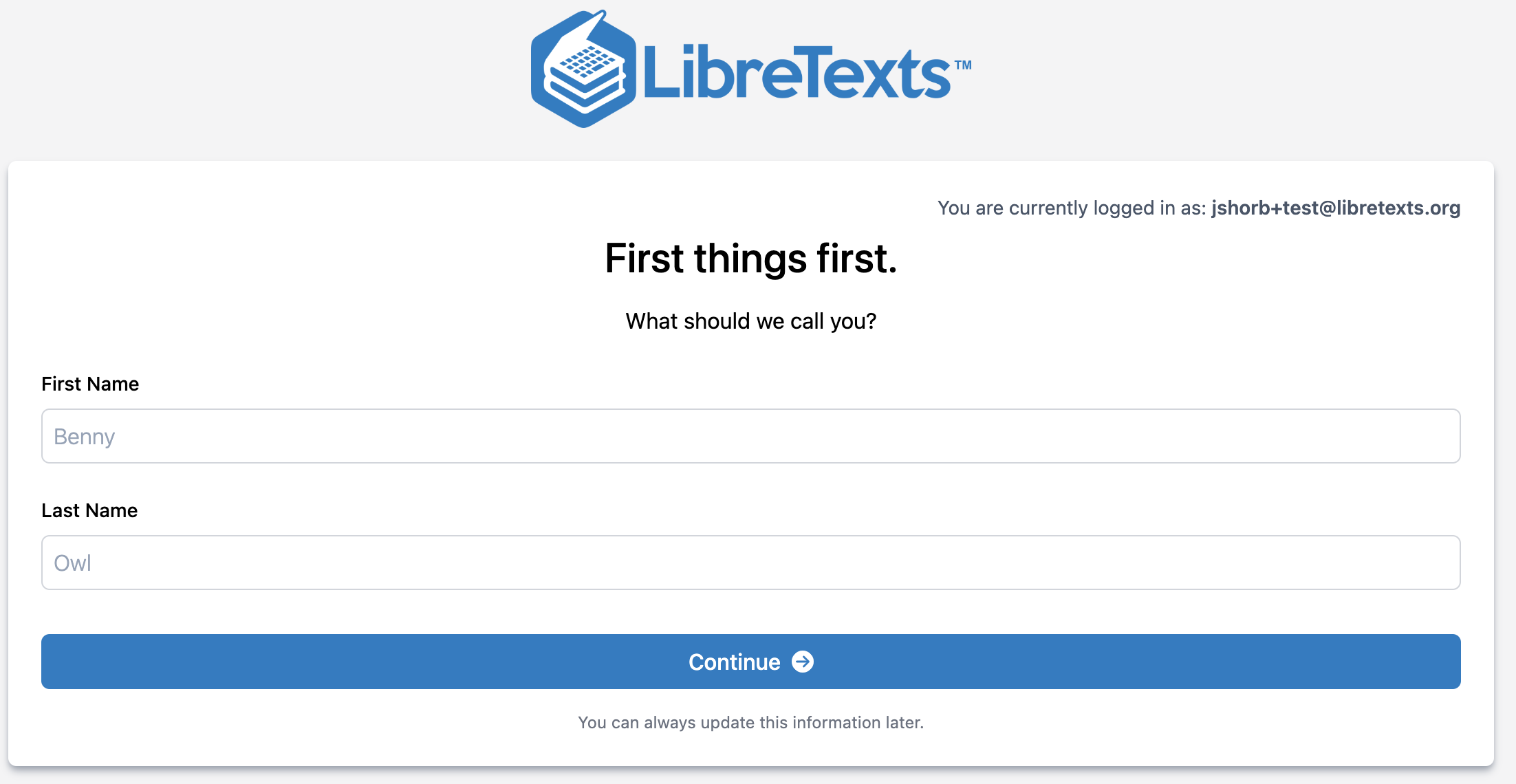
Enter your name as you would like it to appear on LibreTexts publicly.
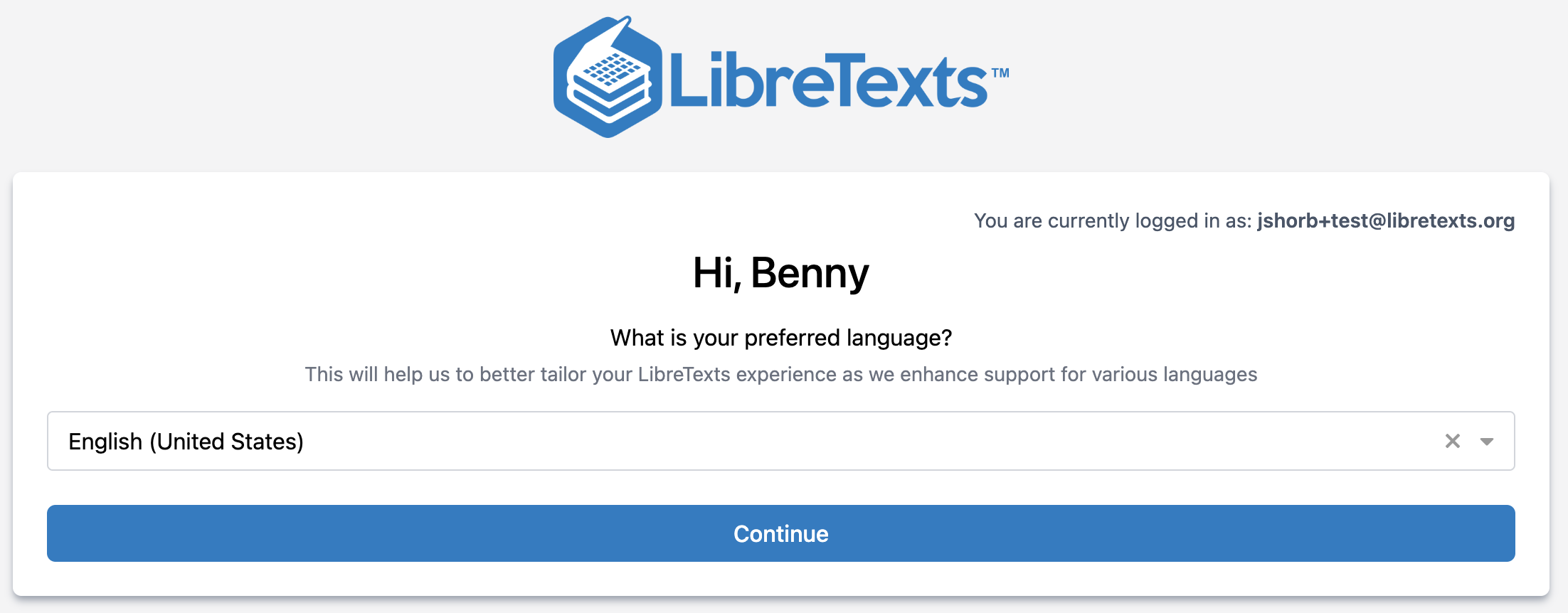
Select your Language default.
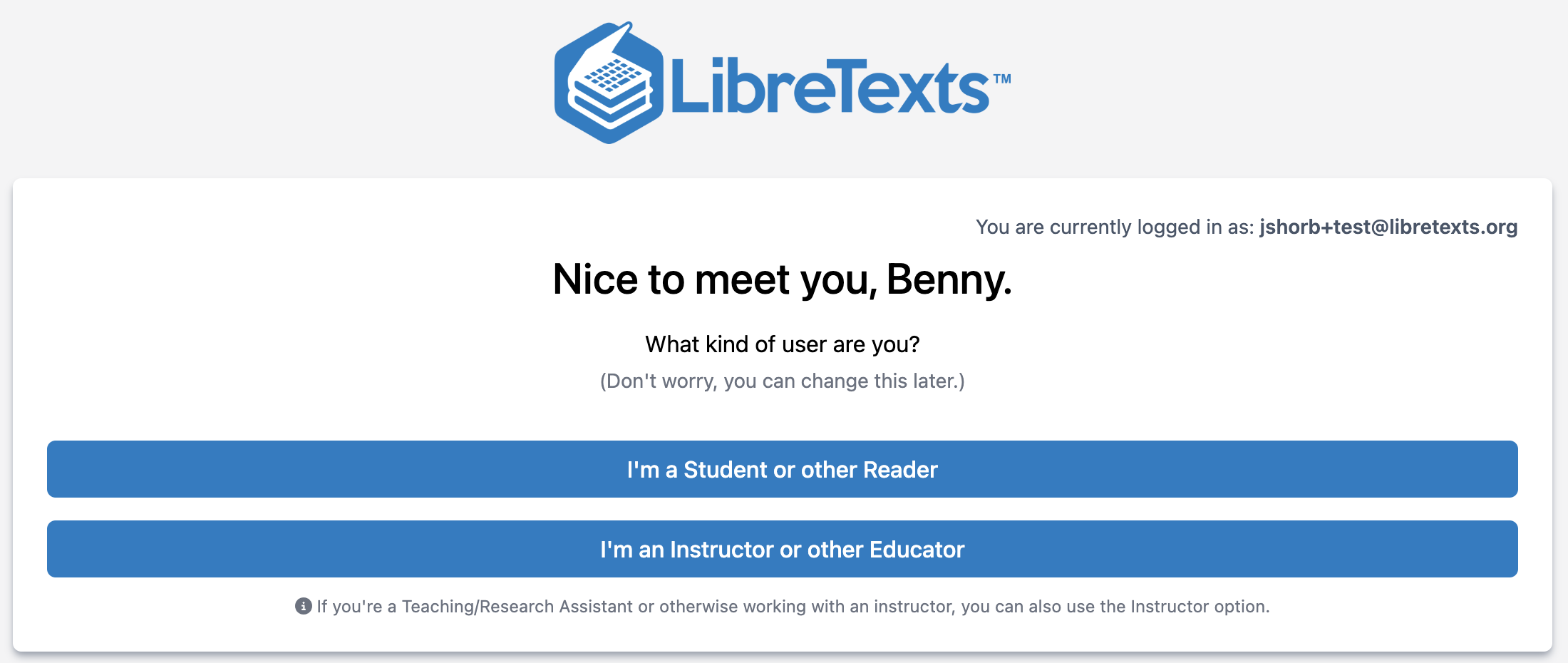
Choose whether you are registering as a Student or as an Instructor. Note that "Instructor" across the LibreTexts services refers to anyone in the instructional or academic staff: Teaching Faculty, Librarians, Administration, or Graders.
For those selecting "Instructor"
At this point, you should fill out the form to verify your instructor account. This is not an automated process, so doing it as soon as possible is important in order to access certain features on LibreTexts. As it is not automated, include any details for the LibreTexts team that may be helpful in identifying your role as possible, if you do not have a publicly viewable Faculty/Staff profile page at your campus. If you have multiple campuses where you teach or if your institutional e-mail does not match the URL for your faculty page, please explain that there. If you do not hear from us in a week, please submit a support ticket at support.libretexts.org
You are registered and will begin to receive our Monthly Newsletter the next month including announcements of new features, upcoming training opportunities, and other noteworthy announcements in the OER Community!
This LibreOne login gives you access to all of the libraries and services that you selected through our LibreOne Single Sign-On. This includes our ADAPT homework system. There are some features (such as the paid courses on Academy Online) that are restricted, but access to OER content is never restricted, including books for everyone and additional question banks for instructor accounts.
If you ever need to delete your account, you can go to the Support Center and click on "Contact Support" and select the option for Deleting Account. Note that there is no way to delete accounts for specific services as all accounts are managed in a central system.
Click Next in order to view the various first steps after registering!
There are no comments for now.
to be the first to leave a comment.