Where can I Find Help?
For help on any of the Academy@LibreTexts Online courses please visit https://support.libretexts.org and submit a support ticket.
We want you to be successful!
Probably the best way that we have been able to help faculty succeed is with our biweekly office hours. These are free, open to anyone, and are on a first-come, first-serve basis. They are at 9 Pacific/12 Eastern for one hour and you can access them by going to https://zoom.libretexts.org There you can ask for technology help, questions about how things work in the classroom, or for large projects campus-wide. Other than that, the following resources are the best ways to find support:
Help is right at your fingertips!

Documentation: Visit Support Center Insights to view how-to pages and Frequently Asked Questions. Visit our Quick Start Guide for getting started with authoring and remixing. For in-depth documentation, check out our full Construction Guide.
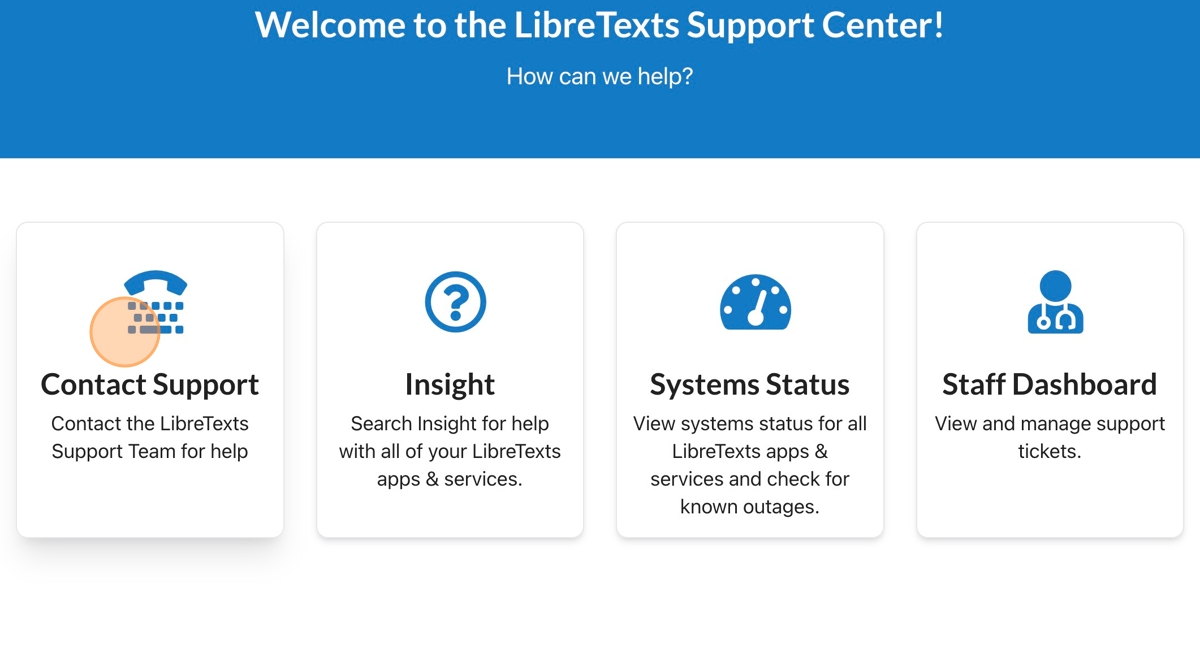
Head over to https://support.libretexts.org and click on the "Contact Support" to submit a ticket. These are not handled externally - just the core LibreTexts Steering Team members as well as our Tech team respond to all questions. You can see the faces of those replying at https://libretexts.org/about-us

At the bottom-right of every page is a floating blue question mark button. This takes you directly to the Support Ticket submission page, but automatically captures the URL of the page you were on and your username if you are logged in to expedite the process.
There are no comments for now.
to be the first to leave a comment.